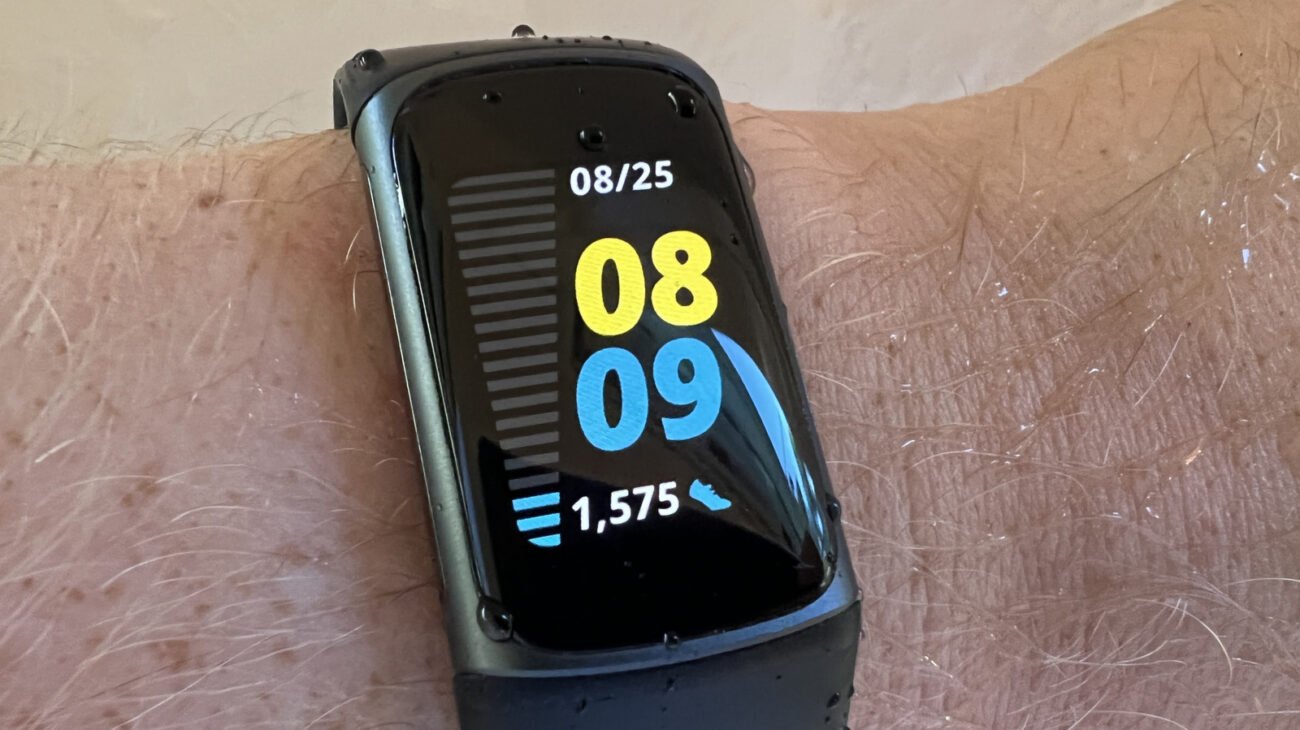
Technical Specifications and Architectural Breakdown
To comprehend the power profile of a modern Fitbit, one must look at the interplay between the System-on-a-Chip (SoC) architecture and the sensor array. Modern Fitbit devices, such as the Sense and Versa lines, utilize highly integrated SoCs that manage power states with extreme efficiency. However, the battery life is fundamentally limited by the chemical capacity of the lithium-ion polymer cells, which typically range from 200mAh to 300mAh.
The primary drain on these cells is not the processor itself, but the sensory peripherals. The internal GPS module, for instance, requires a constant connection to satellite constellations, forcing the radio frequency (RF) hardware to remain in a high-power state. Similarly, the SpO2 sensor utilizes red and infrared LEDs to measure blood oxygen saturation; these LEDs are power-intensive and, when set to continuous monitoring, significantly reduce the device’s standby time. Furthermore, the transition to high-resolution AMOLED displays has introduced a new thermal and power challenge. The Always-On Display (AOD) feature keeps the screen pixels active, preventing the display controller from entering low-power sleep modes. From an engineering standpoint, the battery is also subject to the Arrhenius equation; thermal stress—whether from external heat or the internal heat generated by rapid charging—accelerates the degradation of the electrolyte within the cell. Consequently, managing the device’s thermal environment is as critical as managing its software settings.
Industry Landscape and Competitive Comparison
The wearable market is currently bifurcated between ultra-efficient fitness bands and high-performance smartwatches. While Fitbit occupies a middle ground, offering deeper health analytics than basic trackers but less app-centric utility than a full-fledged Apple Watch, the trade-offs are evident. Users often choose Fitbit for the balance of battery longevity and health ecosystem integration. The following table illustrates how current Fitbit models compare to their predecessors and market alternatives in terms of typical endurance under standard usage profiles.
| Device Model | Typical Battery Life | Primary Power Drain |
|---|---|---|
| Fitbit Charge 6 | Up to 7 Days | Continuous Heart Rate/GPS |
| Fitbit Sense 2 | 6+ Days | Always-On Display/SpO2 |
| Apple Watch Series 9 | 18-36 Hours | Full OS/Cellular/Display |
| Garmin Vivosmart 5 | Up to 7 Days | High-Frequency Pulse Ox |
Practical Consumer & Enterprise Takeaways
For the consumer, achieving maximum battery life requires a calculated approach to feature management. The most effective strategy is a tiered audit of device settings. First, disable the Always-On Display. While convenient, this feature can reduce battery life by up to 50 percent on OLED-equipped models. Second, adjust the frequency of heart rate and SpO2 sampling. While continuous tracking provides the most comprehensive data set, many users find that periodic sampling is sufficient for long-term health trends. Third, manage notifications with extreme prejudice. Each vibration motor activation and screen illumination cycle consumes measurable energy; by restricting notifications to critical alerts—such as incoming calls or urgent messages—the device can remain in deep sleep for longer durations.
From a maintenance perspective, users should avoid the two extremes of battery state: 0 percent and 100 percent. Lithium-ion batteries are most stable when kept between 20 percent and 80 percent charge. If a device must be stored for an extended period, it should be kept at a 50 percent charge in a cool, climate-controlled environment. Charging the device in high-heat environments, such as a car dashboard or near a radiator, will permanently reduce the battery’s capacity over time.
Frequently Asked Questions
Does using GPS during workouts permanently damage the battery?
No, using GPS does not cause permanent damage, but it does cause temporary, high-intensity discharge that contributes to the total cycle count. The battery’s lifespan is determined by the number of charge cycles it undergoes; therefore, frequent high-drain activity will lead to a faster decline in total capacity over the course of several years.
Is it better to charge my Fitbit to 100 percent every night?
It is generally recommended to avoid keeping the battery at 100 percent for extended periods. Lithium-ion batteries experience higher voltage stress when fully charged, which can accelerate degradation. Charging your device only when it drops below 20 percent and unplugging it once it reaches 80-90 percent is a more sustainable practice for long-term health.
Why does my Fitbit battery drain faster after a software update?
Post-update battery drain is often caused by background indexing or the recalibration of system services. If the drain persists for more than 48 hours, it may be due to new features being enabled by default. Check your settings after each update to ensure that power-intensive features, such as new tracking metrics or display settings, have not been automatically toggled on.
The Bottom Line
The longevity of a Fitbit device is a function of both hardware design and user behavior. While the manufacturer provides the foundation through efficient silicon and optimized firmware, the user dictates the final performance through their configuration choices. By prioritizing essential metrics over constant, high-frequency data collection and maintaining the device within optimal thermal parameters, users can significantly extend the operational life of their hardware. As the industry moves toward more complex sensor arrays, the ability to manage power will remain the defining characteristic of a proficient wearable user. The goal is not to sacrifice utility, but to align the device’s performance with the specific needs of the individual, ensuring that the technology serves the user without becoming a constant demand on their time and power resources.
